Computer Reading Glasses: How to Set Up Your Desk So You Actually Use Them
Your laptop is open, your inbox is waiting, and your readers are still on the nightstand. So you lean closer, squint through the first few emails, and promise yourself you’ll grab them later.
That small habit adds up. Computer reading glasses only help when they are easy to use at the exact moment your eyes need them. That means the right strength, a better screen position, softer lighting, and a storage spot within arm’s reach.
In this blog, you’ll learn how to build a desk setup that makes your readers part of your routine and where blue light filter glasses may fit.
Set Your Screen First, Then Judge the Glasses
Before you decide your glasses are wrong, fix the screen they’re trying to help you see. Even good computer reading glasses can feel uncomfortable if your monitor is too high, too close, too far, or forcing you to lean.
Use this quick check:
- Place the monitor directly in front of you.
- Start at roughly arm’s length.
- Keep the top of the screen at or slightly below eye level.
- Look slightly downward at the center of the screen.
- Increase text size before you lean forward.
- Keep your chair, keyboard, and mouse in a neutral position.
Once your setup is right, it becomes much easier to judge the lenses fairly.
Build a Glasses Parking Spot Into Your Desk
If your glasses are not visible, reachable, and protected, they will keep getting skipped. The fix is not willpower. It is giving them one reliable home.
Pick a spot close enough to use before you open email: beside the keyboard, on a monitor stand, in a top drawer, inside a laptop sleeve, or in the pocket of the bag you carry every day. The best spot is the one you can repeat without thinking.
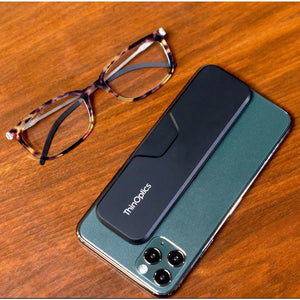
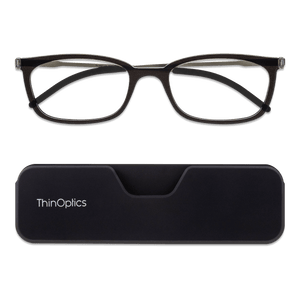
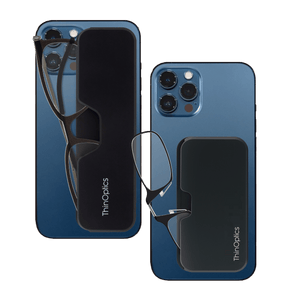
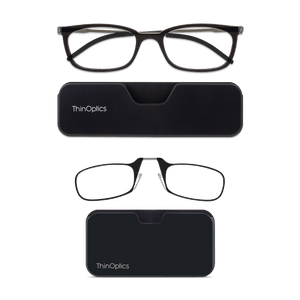
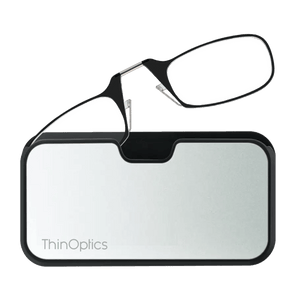
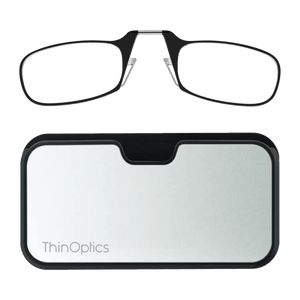
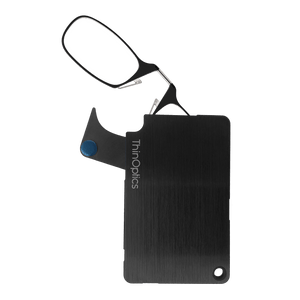
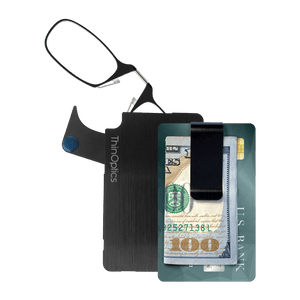
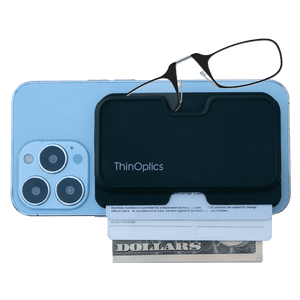
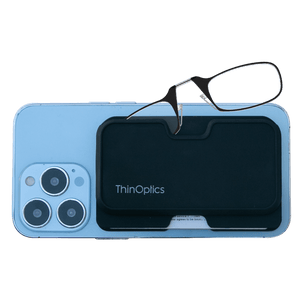
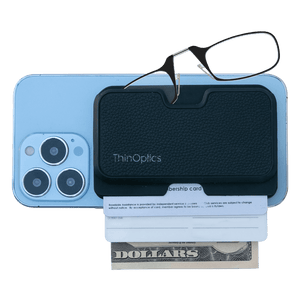
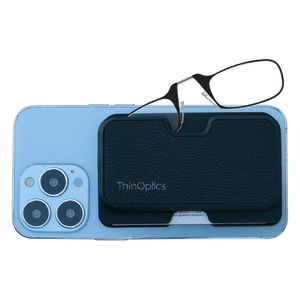
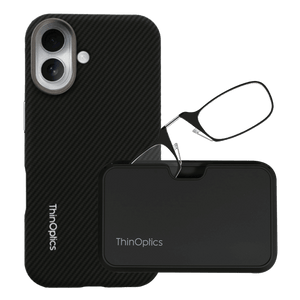
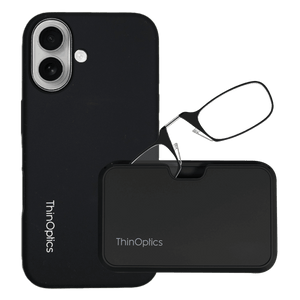
ThinOptics readers and blue light readers fit naturally into this habit because their slim case options are built for small, everyday carry. Depending on the case, they can stay on your phone, in your pocket, clipped to keys, tucked into a bag, or parked at your desk.
Choose One Visible Spot
If you work mainly in one place, choose a spot you see before screen time starts. “Somewhere on the desk” is too vague. A fixed spot removes the decision.
Choose One Travel Spot
If you move between home, office, and coffee shops, choose portable reading glasses that move with you. The less you have to remember, the more likely you are to use them.
Once your readers have a fixed home and a backup travel spot, using them becomes part of the setup instead of one more thing to remember.
Fix the Lighting So Your Glasses Are Not Doing All the Work
Bad lighting can make the right computer screen glasses feel wrong. Glare, harsh overhead lights, glossy reflections, or a bright screen in a dark room all force your eyes to work harder than they need to.
Start with the room before blaming the lenses:
- Place your monitor perpendicular to windows.
- Use blinds or curtains.
- Match screen brightness to the room.
- Add soft task lighting.
- Tilt the monitor slightly to cut reflections.
When the light is easier on your eyes, your glasses can do their actual job: helping text look clearer at screen distance.
Where Blue Light Filter Glasses Fit Into the Setup

Blue light filter glasses can help some people feel more comfortable during long screen sessions, but they should not be the sole solution. Screen distance, lighting, text size, breaks, blinking, and the right reading strength still matter most.
Think of them as one layer of comfort. If your screen setup is poor or your lens strength is off, a filter alone will not make computer work feel clear.
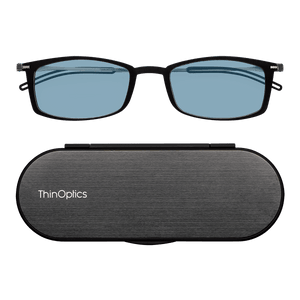
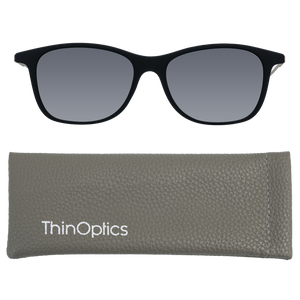
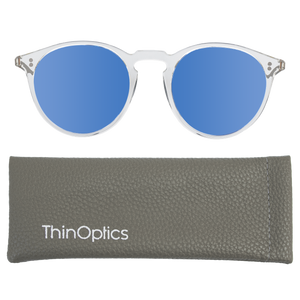
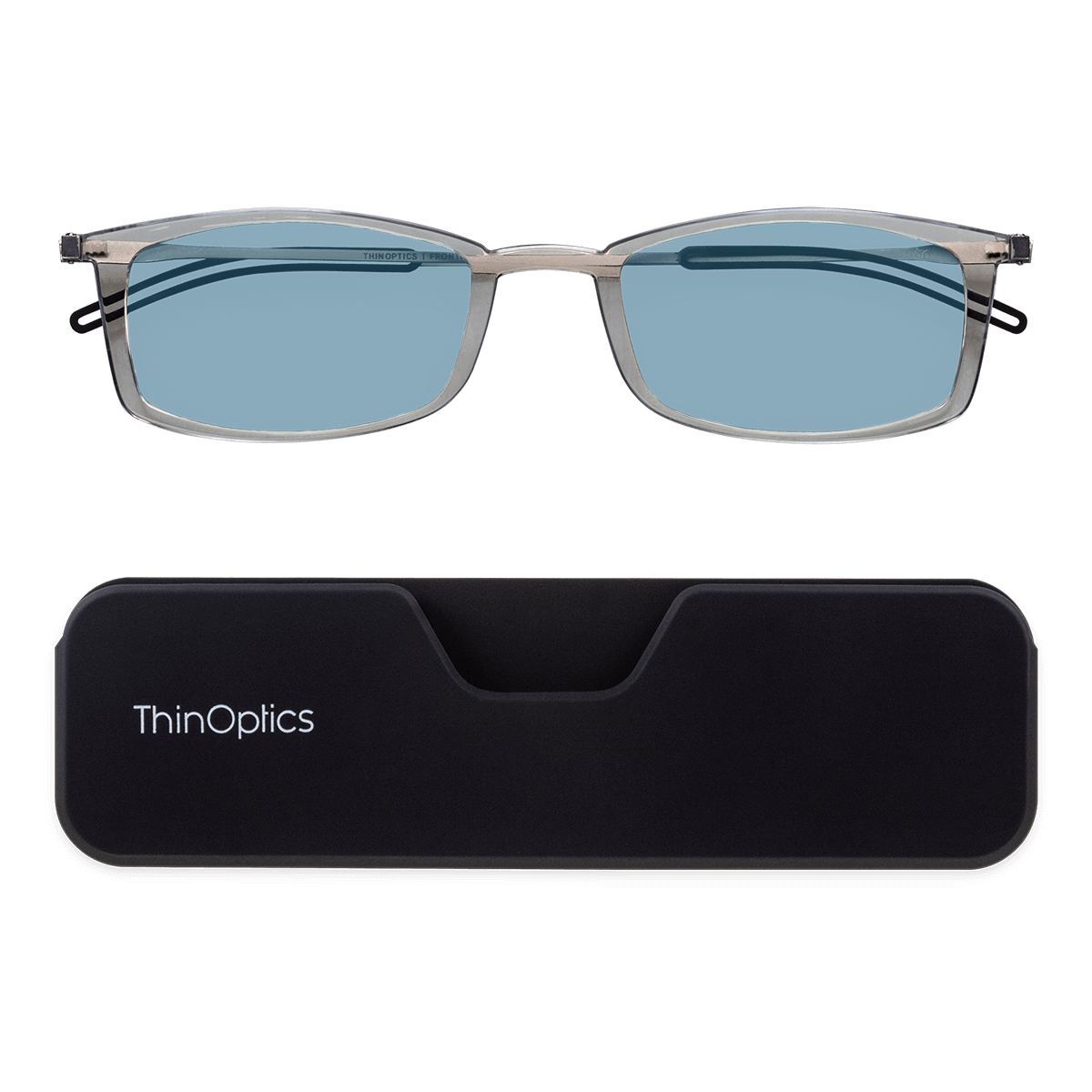
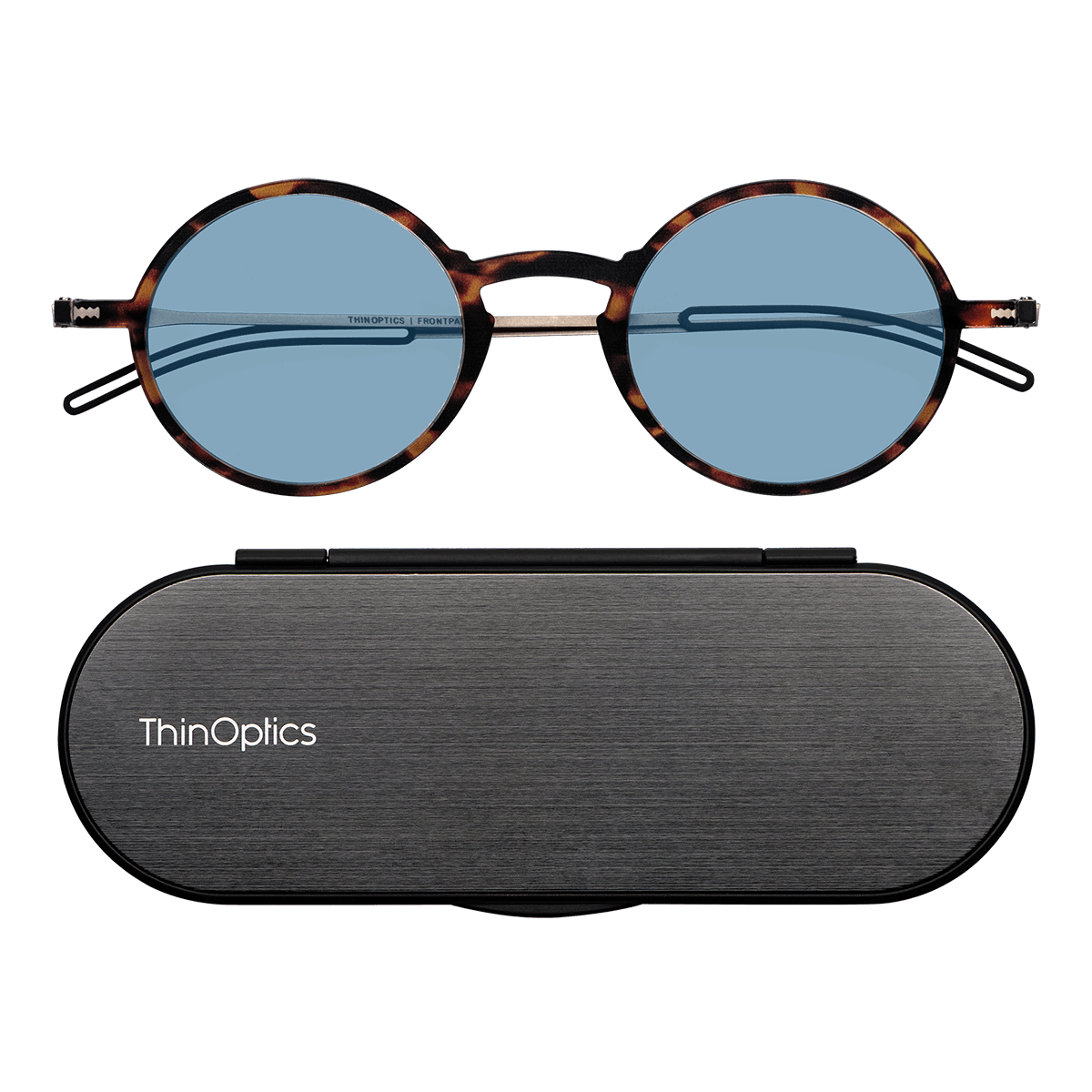
ThinOptics Blue Light Blocker Reader fits naturally here for screen-heavy users who want reading magnification and a blue light filter in one slim pair they can keep close.
Use Them For Screen Blocks, Not As a Cure-All
Blue light filter glasses may be useful for computer-heavy work, evening screen time, or long phone and tablet sessions. Just keep taking breaks, adjusting brightness, and giving your eyes a reset.
Check the Strength Before You Blame the Filter
If text still looks blurry, the issue may be magnification, not the filter. Choose a strength that matches screen distance, or ask an eye care professional if you are unsure.
Blue light support can help with comfort, but the right strength, distance, and setup are what make screen text easier to read day after day.

Create a Start-of-Work Routine That Makes Glasses Automatic
The easier the routine, the less you have to rely on memory. Before you open the laptop, run through this quick setup:
-
Put your computer reading glasses on first.
-
Set your monitor at a comfortable distance.
-
Increase font size before you start leaning in.
-
Match screen brightness to the room.
-
Keep water nearby so breaks feel natural.
-
Set a 20-20-20 reminder for screen-heavy days
Mid-day, take one minute to reset. Look away from the screen, blink fully, drop your shoulders, sit back, and check your screen distance again.
When your glasses live in the same spot and your routine stays simple, using them stops feeling like one more task.
Match Your Glasses to the Way You Work
The best computer reading glasses are the ones that match your real screen habits.
-
Desktop Users: Choose intermediate clarity for monitor distance.
-
Laptop Users: Raise the screen and use an external keyboard or mouse when possible.
-
Phone-Heavy Users: Make sure your readers also work at closer distances.
-
Hybrid Workers: Prioritize portability because your desk changes daily.
-
Document-Heavy Users: Keep papers near monitor distance to reduce constant refocusing.
Portable ThinOptics readers, or blue-light readers, suit hybrid and phone-heavy users well because they stay close to the items you already carry. That makes clarity easier to grab wherever screen time happens.
Signs Your Computer Reading Glasses Are Not The Right Fit
Your glasses should make screen time feel easier, not make you work around them. Watch for these signs:
-
You lean forward to read.
-
You tilt your chin up or down.
-
You remove the glasses to see the screen.
-
Your phone is clear, but your monitor is not.
-
Your monitor is clear, but printed documents are not.
-
Headaches or blurry vision continue.
-
Your neck feels worse after wearing them.
These signs do not always mean the glasses are wrong. Distance, strength, posture, lighting, or screen height may be the real issue.
If discomfort, sudden vision changes, eye pain, headaches, or recurring blur continue, schedule a professional eye exam.
FAQs
Are computer reading glasses the same as regular reading glasses?
Not always. Computer reading glasses are usually meant for monitor distance, while regular readers often suit closer tasks.
Can I use reading glasses for computer work?
Yes, if the strength lets you read clearly without leaning, squinting, or tilting your head.
Do blue light filter glasses help with computer work?
They may feel comfortable, but distance, lighting, breaks, blinking, and lens strength matter more.
Where should I keep computer reading glasses?
Keep them in one visible, protected spot near your screen or attached to your daily carry.
When should I see an eye care professional?
Book an exam if blur, headaches, eye pain, dryness, or discomfort continues.
Keep Your Screen Routine Clear and Close

Computer reading glasses become easier to use when your desk works with them. Set your screen distance first, soften the lighting, adjust text size, and give your glasses one reliable spot near where screen time begins.
For screen-heavy days, ThinOptics readers and Blue Light Blocker Reader and Case options make that habit easier to keep. They stay close at your desk, in your bag, or with the everyday items you already carry.
Keep clarity close with ThinOptics readers built for screen-heavy days.