Blue Light Reading Glasses vs Regular Readers: Which Should You Use for Screens?
You pick up your phone, and the text looks a little softer than it used to. Then you open your laptop, start reading, and catch yourself leaning closer without realizing it.
Regular readers can help when the main issue is close-up focus, such as reading labels, books, or short texts. Blue light reading glasses make more sense when your day includes longer stretches of screen time, because they pair reading strength with a blue-light filter.
In this blog, you’ll compare blue light reading glasses and regular readers, learn when blue light readers make sense, and see how to choose reading glasses for your screen routine.
Blue Light Reading Glasses vs Regular Readers
The easiest way to choose is to match the glasses to the task. Regular readers help with close-up text. Blue light readers do the same, with an added filter for screen-heavy reading.
|
Feature |
Regular Readers |
Blue Light Readers |
|---|---|---|
|
Purpose |
Magnify close-up text |
Magnify text and filter the screen light |
|
Lens Type |
Clear magnifying lens |
Magnifying lens with blue light filter |
|
Best Use |
Books, labels, menus, print |
Screens, phones, tablets, laptops |
|
Screen Fit |
Works for short screen use |
Designed with screen use in mind |
|
Limitation |
No blue light filtering |
Still need the correct magnification strength |
Blue light filtering is a comfort choice. Neither option replaces a professional eye exam if your vision is changing.
Main Difference Comes Down to Strength and Lens Filter
The difference comes down to two things: reading strength and lens filter. Readers help with close-up focus, while blue-light filtering changes how some of the screen light passes through the lens.
Regular Readers Help With Close-Up Text
Regular readers are a good fit for books, menus, medicine labels, printed pages, and quick phone reading. They make small text easier to see up close. Unless the label says otherwise, regular readers do not include blue light filtering.
Blue Light Readers Combine Screen Filtering and Strength
Blue light readers are useful when you want one pair for small text and screen-heavy moments. They combine magnification with a lens filter made for screen use.
The filter helps with the screen side of the equation, but the strength still has to be right. If the magnification is too strong or too weak, the glasses will not feel comfortable.
When You Can Use Regular Readers for Screens
Regular readers are well-suited for quick screen moments, like checking texts, reading a recipe on your phone, or opening a short email on your tablet. If the text looks sharp at your normal distance and you are sitting comfortably, you may not need anything different.
The problem starts when your body has to work around the glasses. Leaning in, squinting, tilting your head, or moving the screen closer are all signs that the strength may not match the distance.
Try this:
- Put on your readers
- Open the screen you normally use
- Relax your shoulders
- Try to read the text on the screen
If you can read clearly without adjusting your posture, your current pair is likely doing the job.
When Blue Light Readers are Worth Considering

Blue light readers make sense when screens are part of your normal day, not just a quick check. Think laptop work, evening phone scrolling, reading digital documents, or moving between your phone and computer.
The real value is simple: you get reading strength and a screen-focused filter in one pair. It is not a medical promise, but it can make your setup feel more practical.
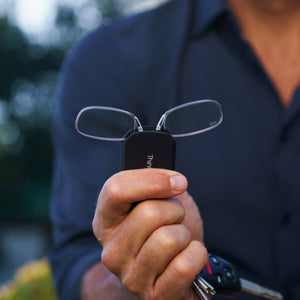
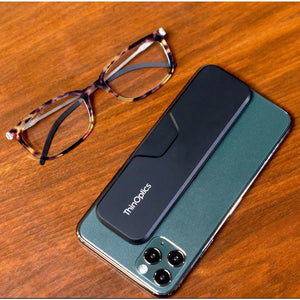
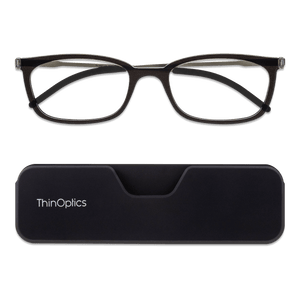
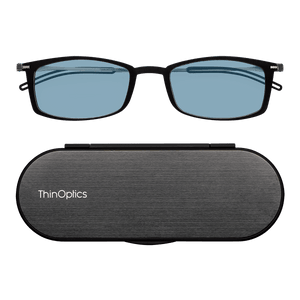
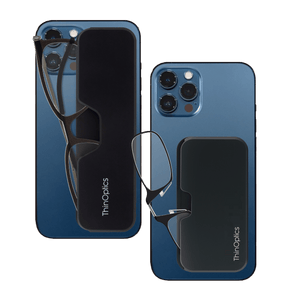
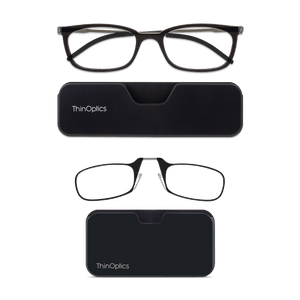
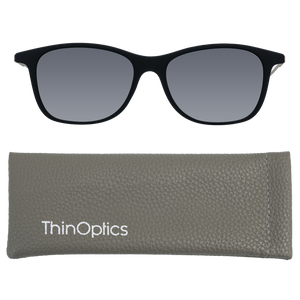
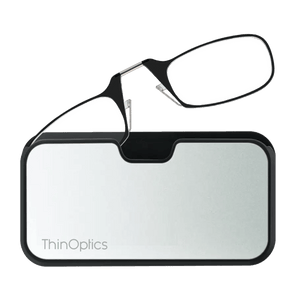
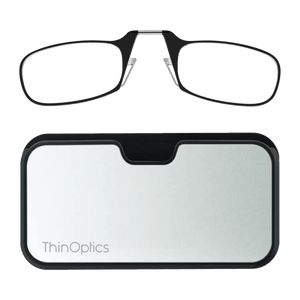
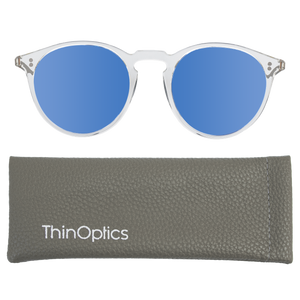
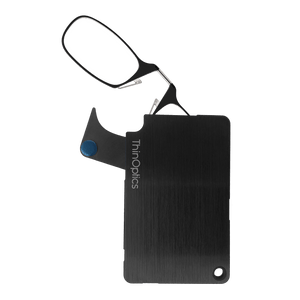
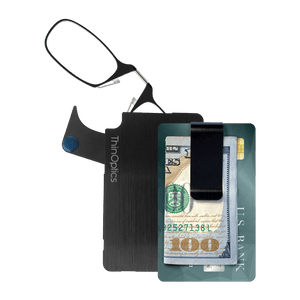
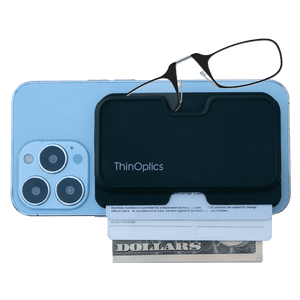
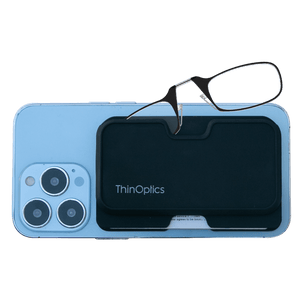
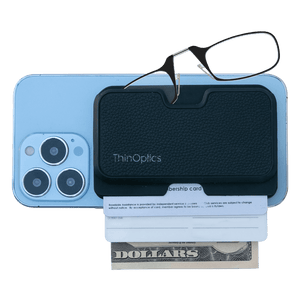
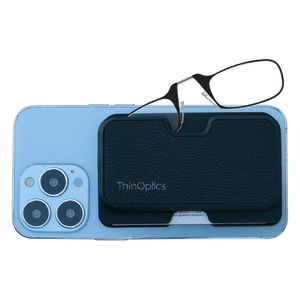
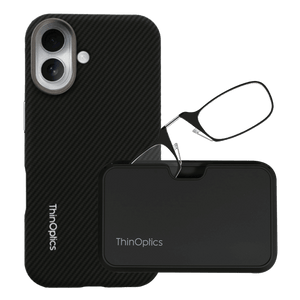
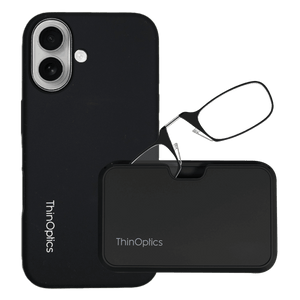
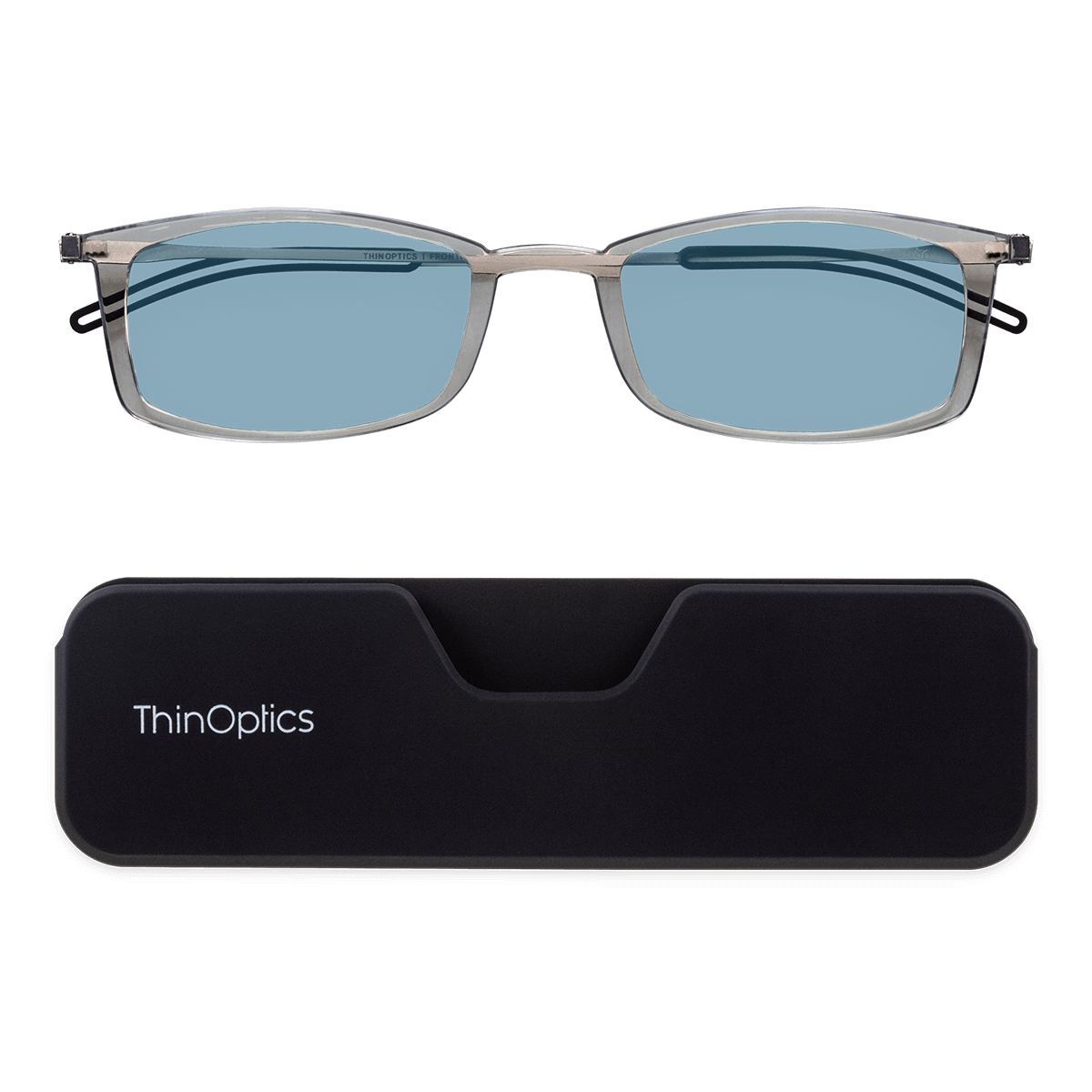
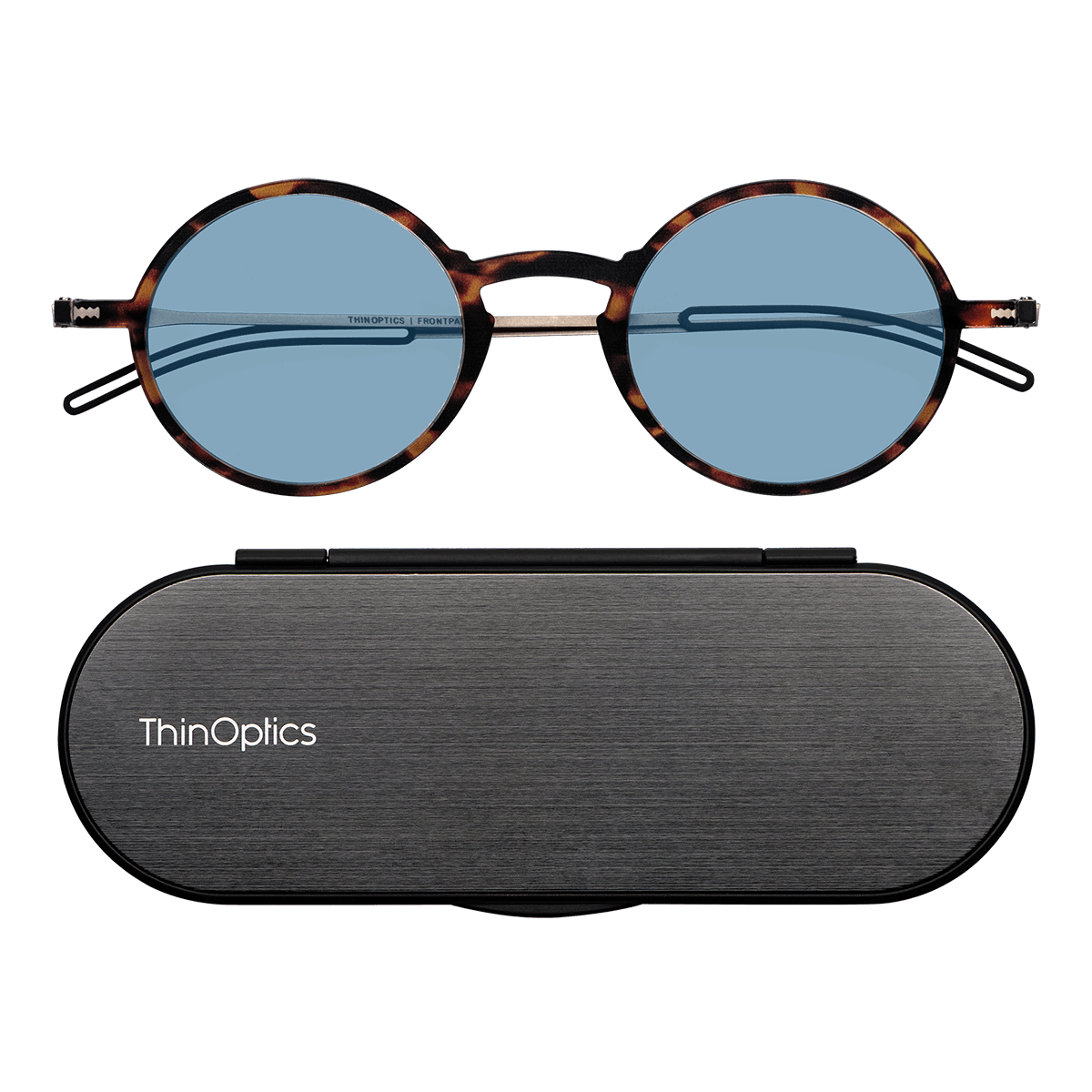
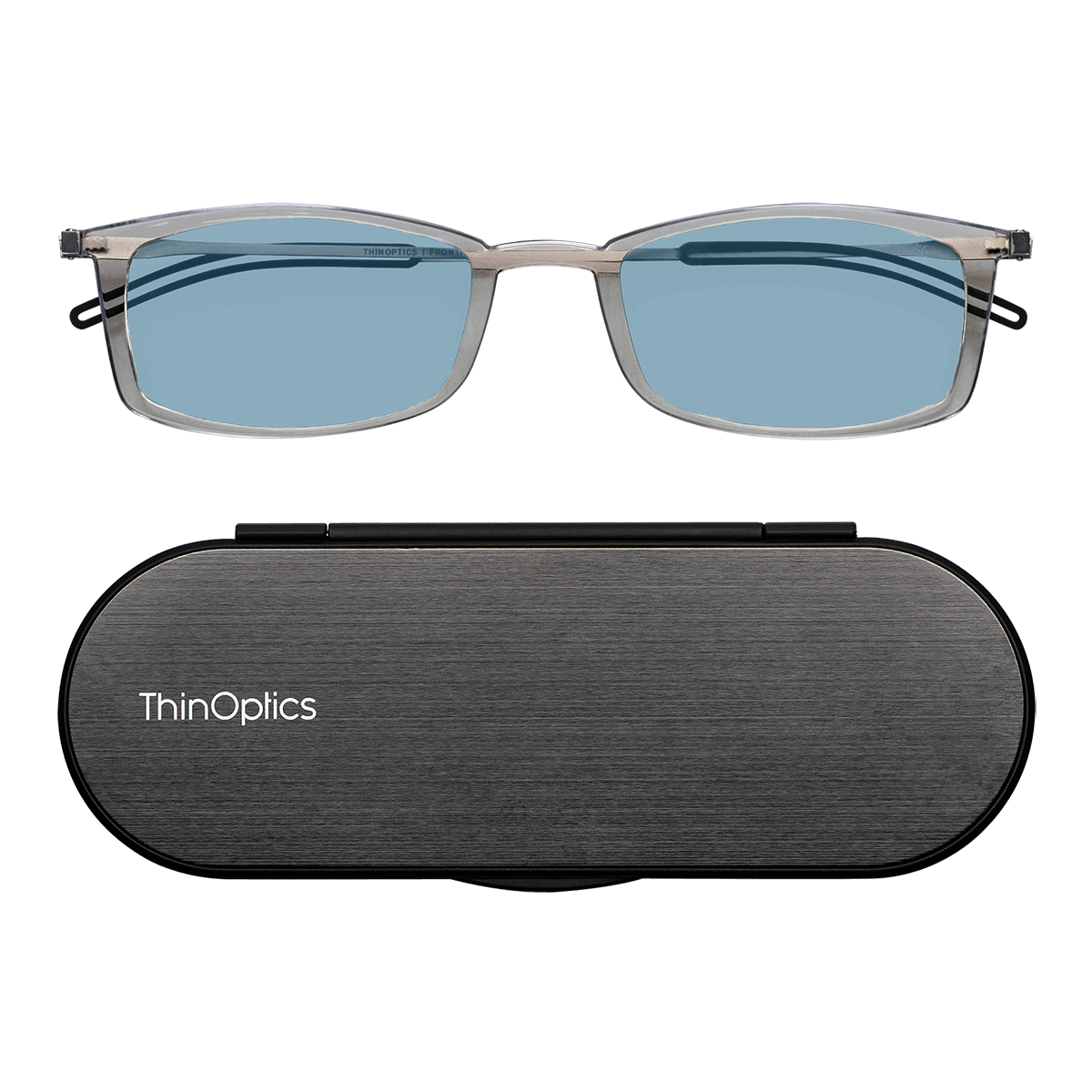
ThinOptics blue light reading glasses are built for that kind of routine, with slim case options that keep your readers close without adding bulk.
What Blue Light Readers Can and Cannot Do for Screen Fatigue
Screen fatigue usually has more than one cause. It can come from staring too long, blinking less, sitting too close, dealing with glare, using the wrong brightness, or wearing the wrong reader strength.
That is why blue light readers work best as one part of a better screen setup, not the whole fix.
Helpful habits include:
- Look away every 20 minutes, even briefly.
- Blink more often during long screen sessions.
- Match screen brightness to the room.
- Reduce glare where you can.
- Increase font size instead of leaning in.
- Use the right magnification for your screen distance.
Blue light readers can make screen time feel more intentional and convenient, especially when your glasses are easy to keep nearby.
How to Choose Readers for Your Screen Routine
Choose based on where, when, and how you actually use screens.
- Screen Distance: Phones and tablets sit close. Desktop monitors usually sit farther away.
- Device Type: One strength may feel right on your phone, but too strong at your desk.
- Reading Strength: Test your readers at your normal screen distance, not just on printed text.
- Lens Comfort: You should be able to sit naturally without leaning in, squinting, or tilting your head.
- Portability: Think about whether you need them at your desk, in a case, or attached to your phone.
- Timing: Screen-heavy evenings may call for a different setup than quick daytime checks.
Choose regular readers for print and quick phone use. Choose blue light reading glasses when you want magnification plus a screen-focused filter in one easy-to-carry pair.
FAQs
Are blue light reading glasses the same as regular readers?
No, blue light reading glasses include magnification and a blue-light-filtering lens. Regular readers only magnify.
Can I use regular readers for my computer?
Sometimes, but computer screens often sit farther away than books, so regular reading strength may feel too strong or awkward at that distance.
Are blue light readers worth it for phones?
They can be useful if you want reading strength and a screen-focused lens filter in one pair.
Do blue light readers prevent digital eye strain?
They are not a guaranteed fix. Breaks, blinking, screen setup, and correct magnification strength all matter too.
Keep the Right Readers Close to Your Screens

Regular readers help with magnification. Blue light readers add a screen-focused filter. And if your vision keeps changing, a professional exam is still the best next step.
For everyday screen moments, the right pair is the one you will actually have nearby. ThinOptics blue light readers pair reading strength with a screen-ready lens in slim formats made for phones, tablets, and daily carry.
Explore ThinOptics blue-light readers and cases to keep clear, screen-ready vision close when you need it.