Best Reading Glasses for Work From Home Setups (Desk, Couch, Bed)
Your workday probably moves around the house: desk in the morning, couch after lunch, bed for that one last message. Each spot changes how far your screen sits, how much light you have, and how often you reach for your readers.
That is why the best reading glasses for computer use are not just about strength. They need to fit your screen distance, your routine, and the place where you use them. Readers sitting on a nightstand will not help much during a laptop-heavy day.
Here’s how to choose reading glasses for screen use at your desk, on the couch, and in bed, so your home office glasses feel easy to grab and comfortable to use.
Match Your Readers to the Setup
Match your reading glasses to the spot at home where you use screens most often:
- At your desk, choose readers that suit the laptop or monitor distance, which may mean a lower strength than you use for books.
- On the couch, go for lightweight readers that are easy to move between rooms.
- By the bed, keep a dedicated pair close enough to grab for your phone, tablet, or book.
You may also need two strengths: one for screen distance and one for close reading. If a pair works for a novel but feels off on a monitor, the strength is probably the reason.
For Desk: Match Your Readers to Screen Distance
Desk work means long stretches of spreadsheets, tabs, video calls, and tiny text. The best reading glasses for computer use here should feel steady on your face and match the distance of your screen.
Most monitors sit around arm’s length, about 25 inches from your eyes. Since that is farther than close reading, your usual readers may feel too strong. Try a slightly lower strength and see if the screen text looks clearer without leaning in.
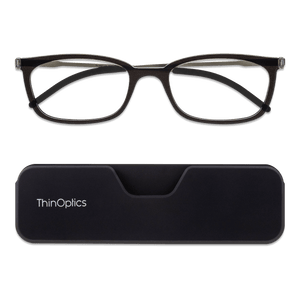
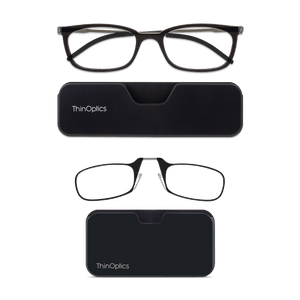
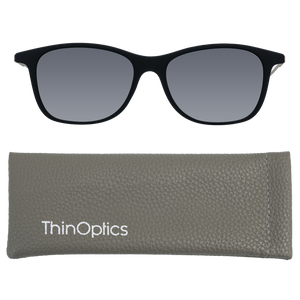
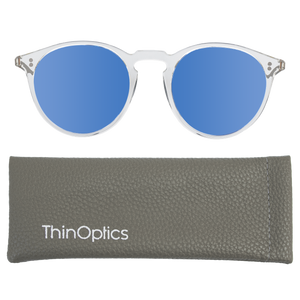
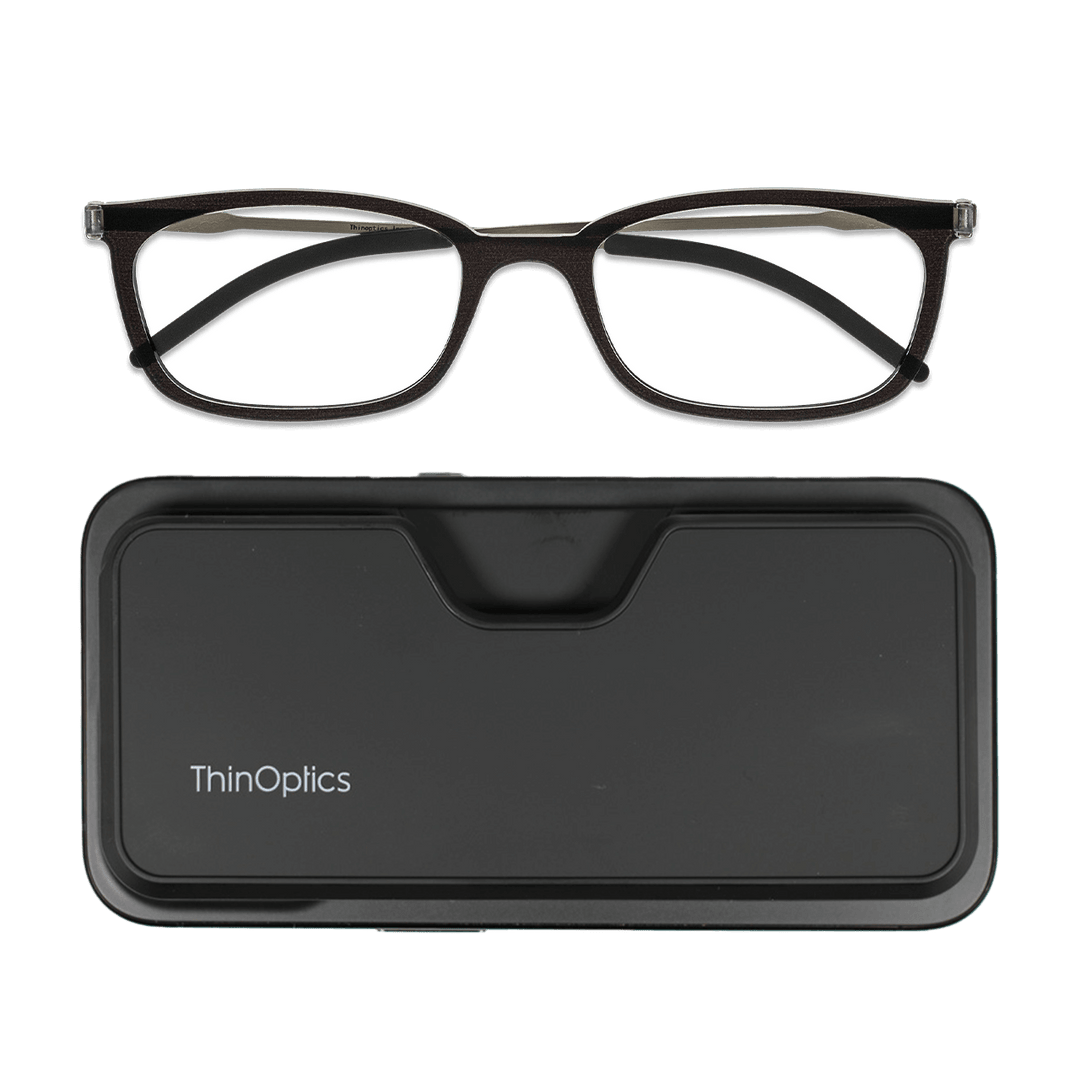
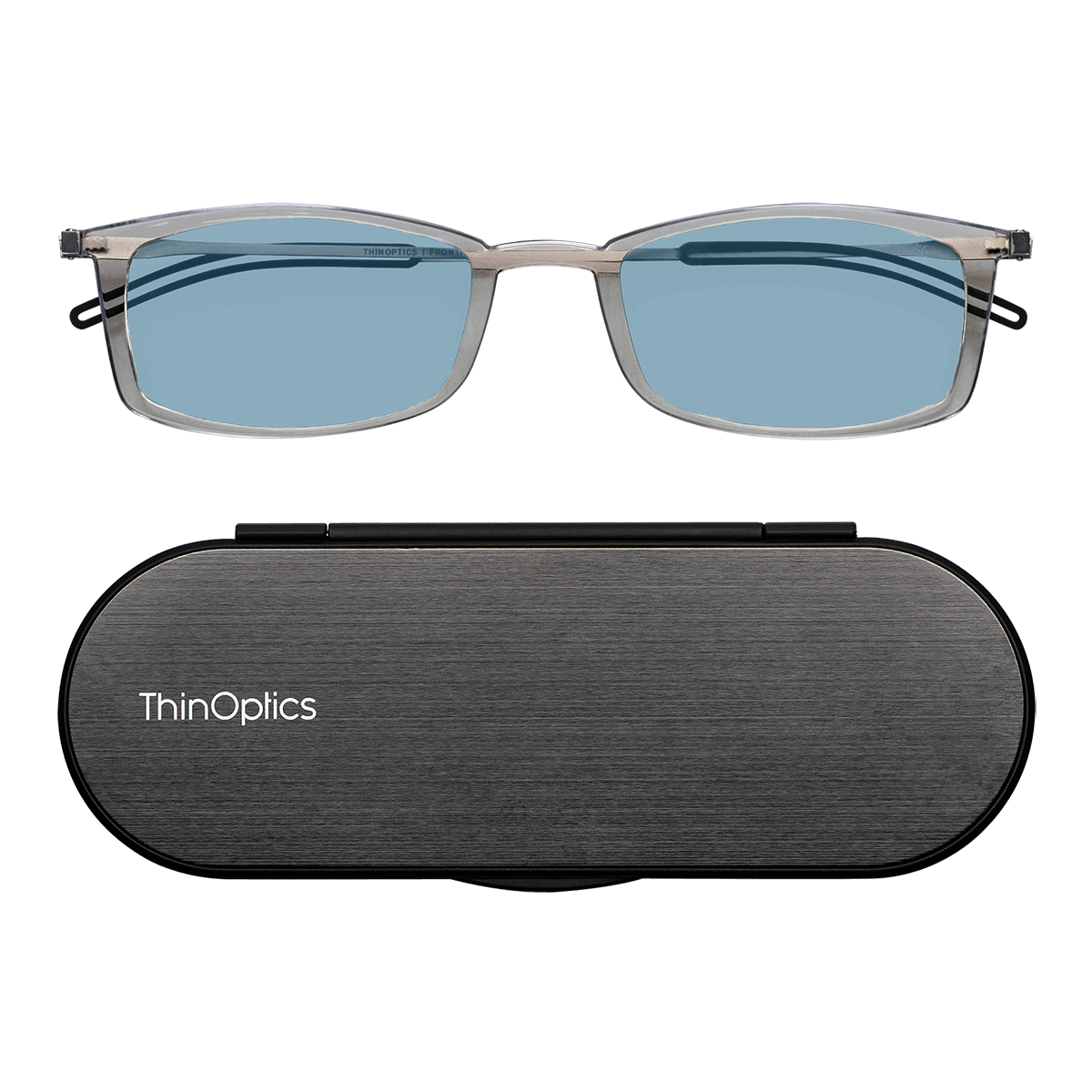
ThinOptics Picks: For screen-heavy days, the Brooklyn Blue Light Blocker Glasses with Milano Case make a good dedicated desk pair. If you switch between your screen and printed notes, the Brooklyn Full Frame Reader with Milano Case keeps focused work simple.
Couch Setup: Choose Readers That Move With You
The couch is where work gets a little looser. You might answer emails on your phone, read on a tablet, check captions, or pull up a recipe while half-watching something. Home office glasses for this setup need to be close by, easy to put on, and just as easy to tuck away.
Because couch sessions are usually shorter and more stop-and-start, portability matters more than a “serious” desk setup. You want readers that move with you, not another thing to hunt for between cushions.
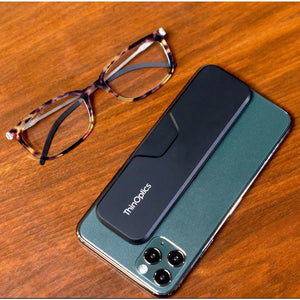
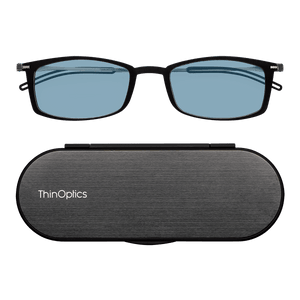
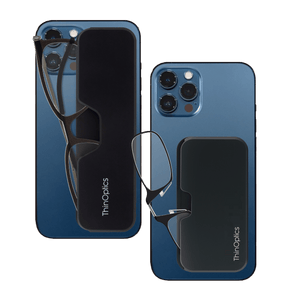
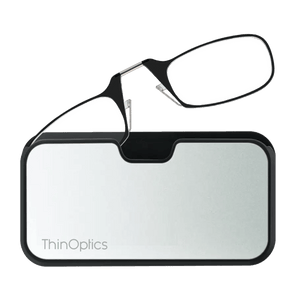
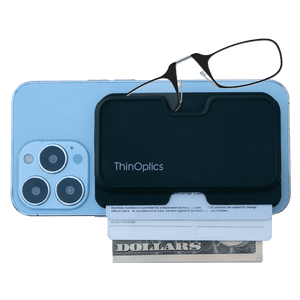
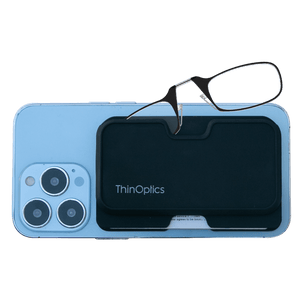
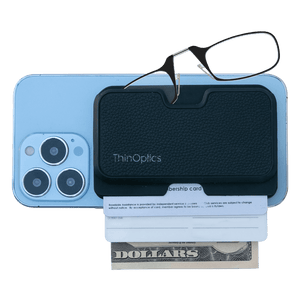
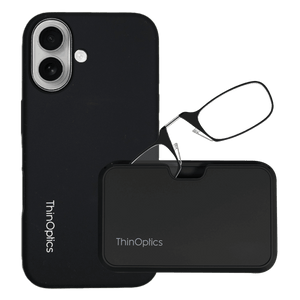
ThinOptics Picks: The Manhattan Blue Light Blocker with Milano Case works well for tablet and phone-heavy downtime. For reading glasses that stay with your phone, Readers with MagSafe Universal Pod are a smart fit for MagSafe-compatible phones or cases.
Bed Setup: Keep Readers Close and Easy to Find
The last screen of the day is usually your phone. You check a message, set an alarm, read a few pages, or squint at a label when the room is already dim. Reading glasses for screen use at the bedside need to do one simple thing: be there when you reach for them.
That is where most bedside readers fail. They drift to the kitchen, your desk, or a bag, and suddenly you are back to guessing at tiny text. A dedicated bedside pair keeps the routine simple.
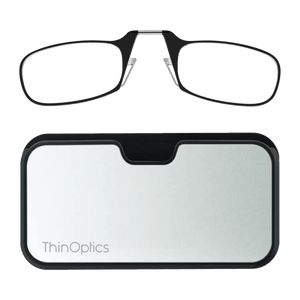
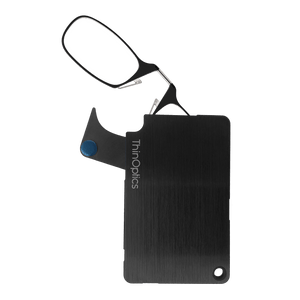
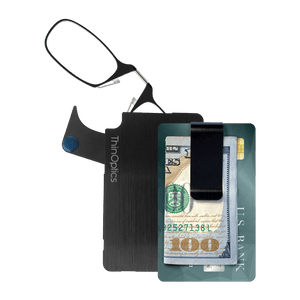
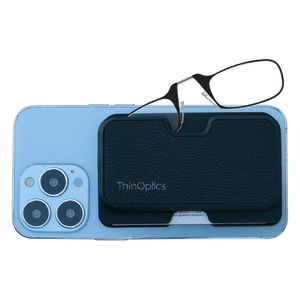
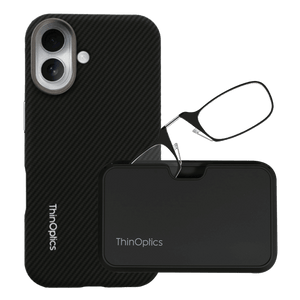
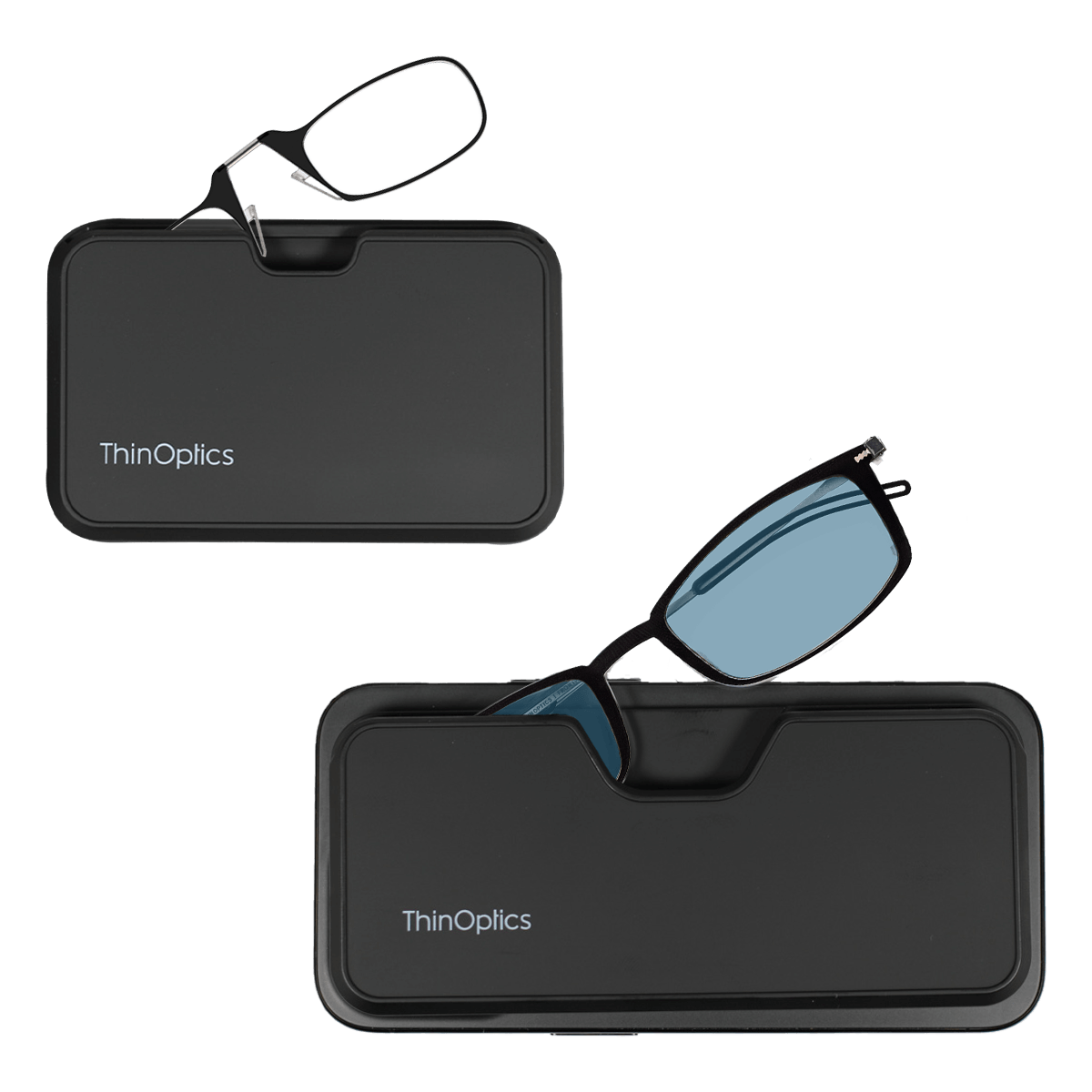
ThinOptics Picks: The Brooklyn Blue Light Blocker Glasses with MagSafe Connect Case are a practical phone-first option for compatible phones or cases. For a compact nightstand backup, the Connect Reader with Connect Case keeps readers protected and easy to find.
How to Choose the Right Strength for Work From Home Screens

Reading distance and screen distance are different. A book sits closer to your face, while a laptop or monitor usually sits farther away. That distance can change which strength feels comfortable for home office glasses.
Try this: sit where you normally work and look at your screen. The text should look clear without leaning in, lifting your chin, or dragging the monitor closer. If your posture has to adjust, your readers probably need to.
- If the text is blurry at arm’s length, test a slightly lower strength than your close-up pair.
- If text is clear on screen but blurry for books, two strengths may make daily use easier.
- If headaches or discomfort keep showing up, get an eye exam.
Once the distance feels right, the rest of your screen setup is easier to fine-tune.
Simple Screen Setup Fixes That Reduce Eye Strain
Readers work best when your screen setup is doing its part, too. A few small changes can make reading glasses for screen use feel more comfortable, especially when your workday moves between rooms.
- Screen Brightness: Match brightness to the room so your screen does not feel harsh in low light.
- Font Size: Increase text size if you keep squinting, even when your reader strength feels right.
- Monitor Height: Keep the top of your screen at or just below eye level.
- Lighting Direction: Avoid bright light directly behind you or shining directly at the screen, as both can cause glare.
- 20-20-20 Rule: Every 20 minutes, look at something 20 feet away for 20 seconds.
Your glasses handle magnification. These fixes make the rest of the setup easier on your eyes.
ThinOptics Picks by Work From Home Habit
The best reading glasses for computer use depend less on a universal “best” pair and more on how you actually move through your day.
- Best for Laptop-Heavy Work: Brooklyn Blue Light Blocker Glasses with Milano Case.
- Best for Longer Reading and Documents: Brooklyn Full Frame Reader with Milano Case.
- Best for Phone-First Workdays: Readers with Black MagSafe Universal Pod.
- Best for Moving Between Rooms: Manhattan Blue Light Blocker with Milano Case.
Think of these as starting points, not strict rules. Your ideal pair depends on your reading strength, screen distance, and where your readers need to live, so you actually use them.
FAQs
What are the best reading glasses for computer work?
The best pair gives clear vision at screen distance without forcing you to lean forward, squint, or adjust your posture. That often means a lower strength than your close-up readers.
Are regular readers good for laptop use?
Sometimes, but computer screens sit farther away than books, so a standard reading strength may feel too strong and cause blurring at monitor distance.
Do I need blue light readers for working from home?
Not always, but they can be useful if you want magnification combined with a lens filter designed for screen-heavy routines.
Should I use different readers at my desk and bedside?
Many people benefit from separate pairs because desk screens and bedside phone reading happen at different distances.
When should I get an eye exam?
Get one if you have persistent discomfort, sudden vision changes, headaches, or uncertainty about the right reading strength.
Make Your Readers Fit Your Work From Home Routine

Your desk, couch, and bed each need something a little different from your home office glasses. The right pair should match your screen distance, fit how you move through the day, and stay close enough to use without thinking about it.
That is usually what makes the biggest difference. Not the pair you keep somewhere safe, but the pair you can actually reach when an email, document, or late-night text pops up.
ThinOptics readers are designed for everyday, multi-room routines, with slim carry options that help keep clarity close.
Explore ThinOptics Readers Collection and find the pair that fits your screen routine, strength, and favorite work-from-home spot.